
Why protecting Dropbox matters
Dropbox is excellent for syncing and sharing files instantly, but syncing is not the same as a backup. Because Dropbox mirrors your actions across all devices, any mistake or error can spread everywhere at once:
- Instant Deletion: If you or a collaborator accidentally delete a folder, that deletion spreads to every linked computer immediately.
- Limited Recovery: Dropbox has a specific “trash” window, but if data loss is discovered after that window closes, those files may be permanently gone.
- Ransomware: If your local files are hit by malware, Dropbox will sync the versions encrypted by malware, overwriting your healthy data in the cloud.
For your important projects and shared team folders, you need an independent record of your data that remains safe, verifiable, and restorable no matter what happens in your live Dropbox environment.
Dropbox Shared Responsibility Model
Dropbox operates under a shared responsibility model where Dropbox secures the infrastructure, you’re responsible for protecting your data. Plakar ensures you meet your side with independent, verifiable backups.
To learn more about the general idea about the shared responsibility model you can check the docs on Why you should backup your SaaS.
Security and Compromise
Dropbox relies on account credentials that can be targeted or lost through simple mistakes. If an account is compromised or a connected app behaves unexpectedly:
- Mass Data Loss: Unauthorized access can result in the deletion or corruption of years of data in seconds.
- Synchronization Issues: Malicious or accidental changes can be replicated instantly across your entire team.
- No Manual Recovery: Once data is deleted and the trash window has expired, there is often no way to recover the lost information.
Plakar creates immutable snapshots of your data that are end-to-end encrypted with keys that you own. This ensures your data remains private and secure even if your Dropbox account security is ever compromised.
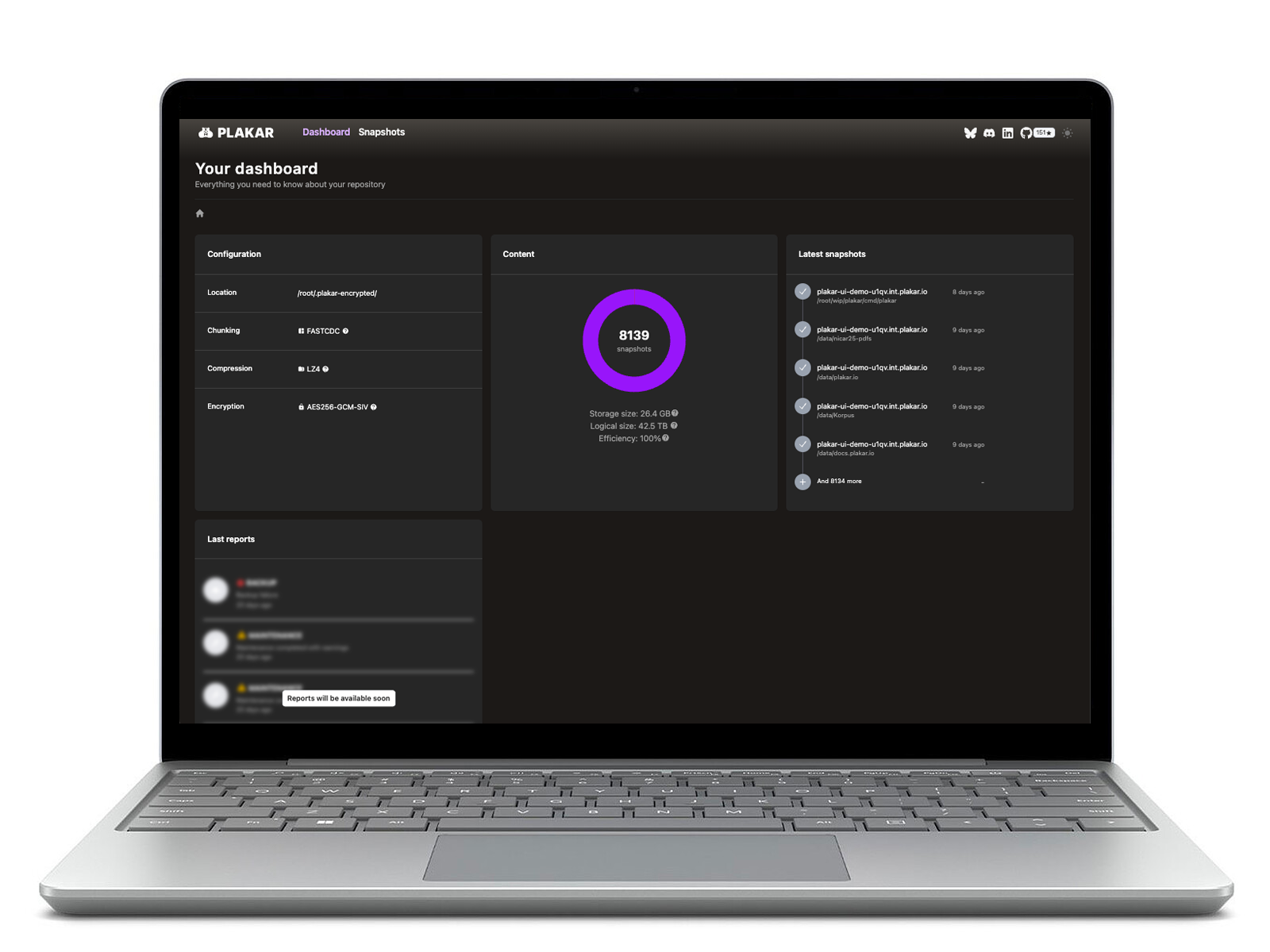
Plakar also allows for direct inspection of your backups. You can easily browse, search, or verify the integrity of your history via the CLI or UI without needing to perform a full restore first.
How Plakar secures your Dropbox workflows
Plakar integrates with Dropbox as a flexible bridge for your data in these ways:
- Source Connector: Take snapshots of your Dropbox data and backup to a secure Kloset Store.
- Storage Connector: Use Dropbox as the “vault” to store your encrypted and deduplicated Plakar backups from other sources.
- Destination Connector: Restore verified snapshots directly back into your Dropbox account exactly when you need them.
Plakar uses deduplication to minimize storage space and bandwidth usage while preserving full snapshot history.