
Why protecting IMAP matters
Email is often treated as inherently persistent, but IMAP mailboxes are vulnerable to both accidental and malicious data loss. Standard IMAP setups face several critical risks:
- Accidental Deletion: Users can permanently delete entire folders with a few clicks. Most mail clients offer no meaningful undo beyond a trash folder that itself can be emptied.
- Account Compromise: If credentials are stolen or phished, attackers can delete years of correspondence instantly. Business email compromise attacks specifically target mailboxes to destroy evidence or communication history.
- Retention Policy Gaps: Server-side policies may automatically delete old messages. Quota pressures can force users to delete important emails. These deletions happen silently and often without adequate warning.
- Synchronization Cascades: IMAP synchronizes deletions across all connected devices immediately. A mistake on one device propagates everywhere, leaving no local copy to recover from.
- No Version History: Unlike documents or files, emails have no built-in versioning. Once modified or deleted on the server, the original is gone unless you have an independent backup.
Emails often contain business records, compliance data, legal correspondence, or irreplaceable personal history and relying solely on the mail server is not enough. You need verifiable, immutable snapshots that exist independently of your IMAP account.
Security and Compromise
IMAP access is controlled by usernames and passwords or, in some cases, OAuth tokens. These credentials are frequently the target of phishing attacks, credential stuffing, or social engineering.
If an IMAP account is compromised:
- Total Mailbox Wipe: Attackers can delete all messages, folders, and archived mail in seconds through any IMAP client or automated script.
- Evidence Destruction: Business email compromise (BEC) attackers specifically delete sent mail and correspondence to cover their tracks after fraudulent transactions.
- Ransomware Encryption: While less common than file encryption, some attacks target cloud-stored email, making messages inaccessible without payment.
- No Server-Side Recovery: Most mail providers offer limited or no recovery options for bulk deletions. Even when recovery exists, it is often time-limited (7-30 days) and may not restore folder structures or all metadata.
- Compliance Violations: For organizations subject to regulatory requirements, the loss of email records can result in significant legal and financial consequences.
Plakar mitigates these risks by creating immutable snapshots outside the live IMAP scope. With end-to-end encryption, your backed-up emails remain private and secure even if your mail server or storage backend is accessed by unauthorized parties.
How Plakar secures your IMAP workflows
Plakar integrates with any IMAP-compatible mail server as a flexible backup and recovery solution:
- Source Connector: Backup mailboxes from any IMAP server. Plakar encrypts and deduplicates mail content and saves it to a secure Kloset Store, creating an independent backup layer that survives account compromise or server failures.
- Destination Connector: Restore snapshots back into any IMAP mailbox, whether to your original account, a different mail server, or a fresh mailbox for migration purposes.
This enables multiple backup and recovery strategies:
- Protect corporate mailboxes from accidental deletion or malicious attacks
- Archive compliance-critical email outside your production mail infrastructure
- Migrate mailboxes between providers while preserving complete history
- Maintain air-gapped copies of sensitive correspondence
- Separate backup credentials from production email access for improved security
Plakar works with any IMAP-compatible server, including Gmail, Office 365, Exchange, Dovecot, Zimbra, and self-hosted mail systems.
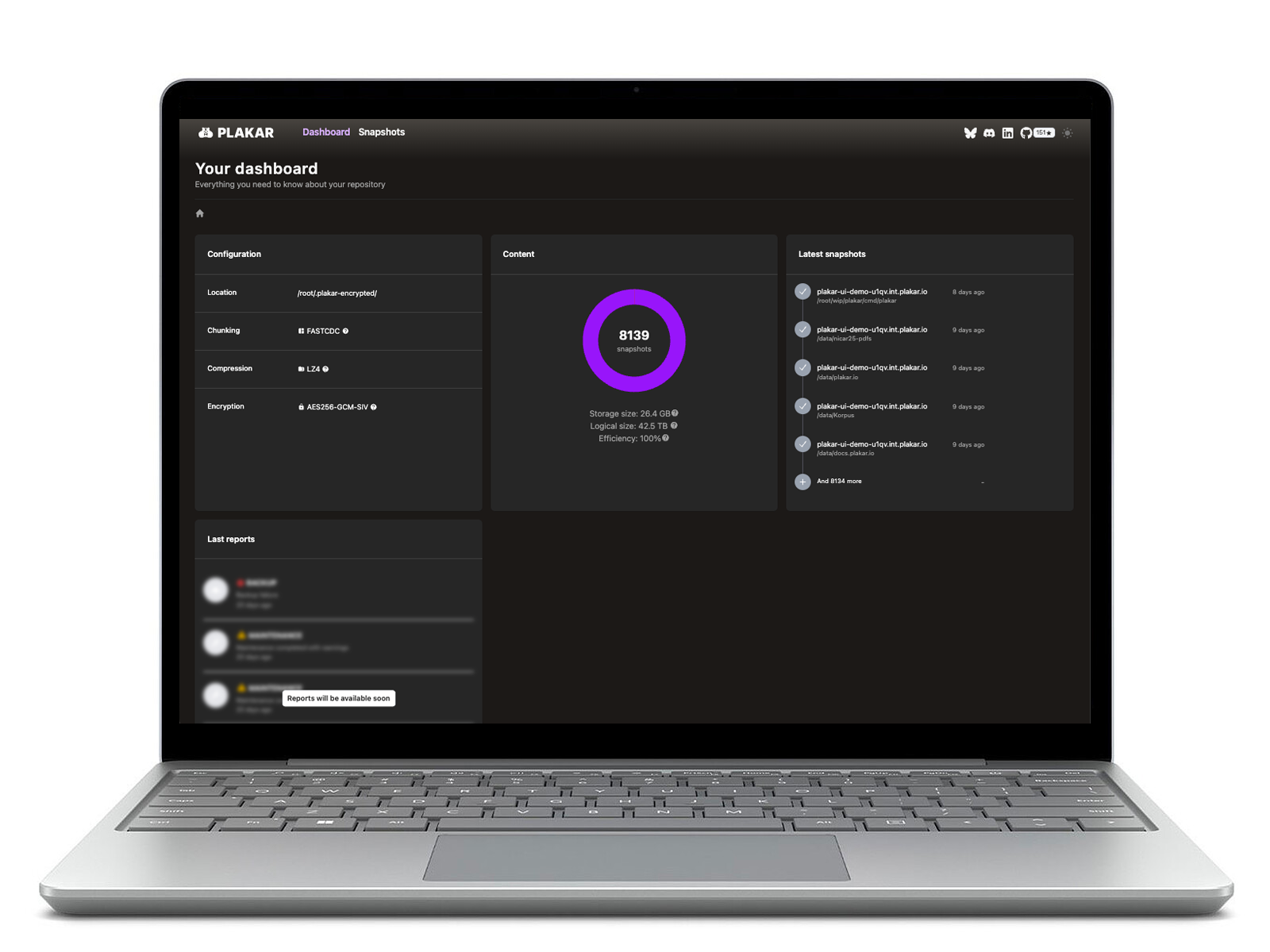
Plakar also allows direct inspection of email backups. You can browse, search, or verify the integrity of your mailbox snapshots via the CLI or UI without needing to perform a full restore first, saving time and avoiding disruption to your live mail environment.