
Why protecting SFTP matters
SFTP is a standard for secure file transfers across Linux servers, BSD hosts, and NAS devices like Synology and QNAP. However, secure transfer is not the same as a backup strategy.
While SFTP secures the data in transit, it does not protect the data once it arrives to where you want to store it. Standard SFTP setups face several risks:
- Lack of Versioning: Files can be overwritten or deleted immediately after upload.
- No Immutability: There are no permanent snapshots to revert to if a file is corrupted.
- Operational Risk: Manual transfers or custom scripts are error-prone and difficult to audit.
When compliance, uptime, or disaster recovery is critical, simply storing files on SFTP is not enough. You need verifiable, immutable backups that can survive mistakes, misconfigurations, or attacks.
Security and Compromise
SFTP relies on SSH keys or passwords. If these credentials are leaked or an account is compromised, your data is at risk:
- Data Loss: Unauthorized access can be used to delete or overwrite entire directories instantly.
- Corruption: Ransomware or rogue scripts can encrypt live data on the server.
- Synchronization Issues: Automated sync tools can unintentionally spread corruption from one server to another.
Without independent snapshots, recovery from these events can be impossible. Plakar closes this gap by providing a system where every snapshot acts as an immutable version that cannot be altered or deleted. This ensures your history remains intact even if the SFTP server itself is compromised.
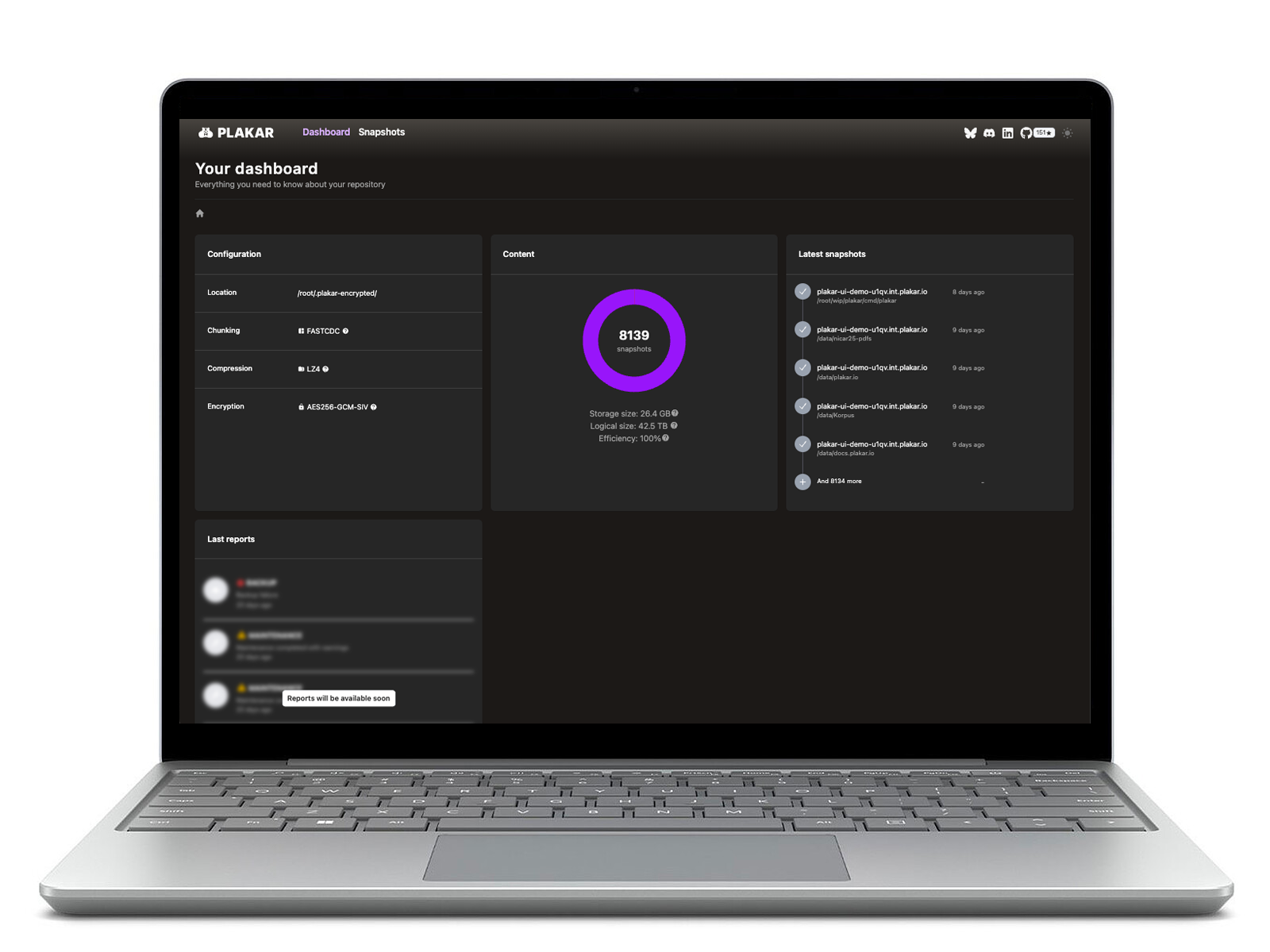
Plakar allows for direct inspection of backups, you can easily browse, search, or verify the integrity of your data via the CLI or UI without needing to perform a full restore first.
How Plakar secures your SFTP workflows
Plakar turns any SFTP-accessible server into a flexible backup system by acting as a bridge between your data and your storage. By using deduplication, Plakar ensures that only unique data chunks are stored, keeping storage costs low.
You can use Plakar through several integration points:
- Source Connector: Take snapshots of files located on a remote SFTP server and bring them into a secure Plakar Kloset.
- Storage Connector: Use an SFTP server as the vault to store your encrypted, deduplicated Plakar backups.
- Destination Connector: Restore your snapshots to any SFTP server in your environment.
This flexibility allows you to choose the backup model that fits your needs:
- Push Backups: Send snapshots from source servers to a central storage location independently.
- Pull Backups: Centrally collect data from multiple remote servers into a single Kloset.
Plakar ensures your SFTP-based infrastructure remains resilient, secure, and verifiable from creation to recovery.