
Why use Streams instead of Files?
Plakar’s Stdio integration can back up any data stream provided via stdin like database dumps, system logs, command output or custom scripts. Unlike workflows that first create an intermediate files, streaming data directly avoids several challenges:
- Storage Waste: You need enough free space to hold the uncompressed export before it even gets to your backup tool.
- Security Risks: Temporary files often sit on your disk unencrypted while waiting to be backed up.
- Complexity: You have to manage the creation and deletion of these intermediate files.
With the Stdio integration, Plakar reads data as it’s generated, encrypts and deduplicates it, and streams it straight to your Kloset Store without creating any intermediate files on disk.
Automation with Stdio
Stdio is useful for administrators and power users building automated backups while avoiding temporary files. Data from scripts, commands, or applications can be backed up directly.
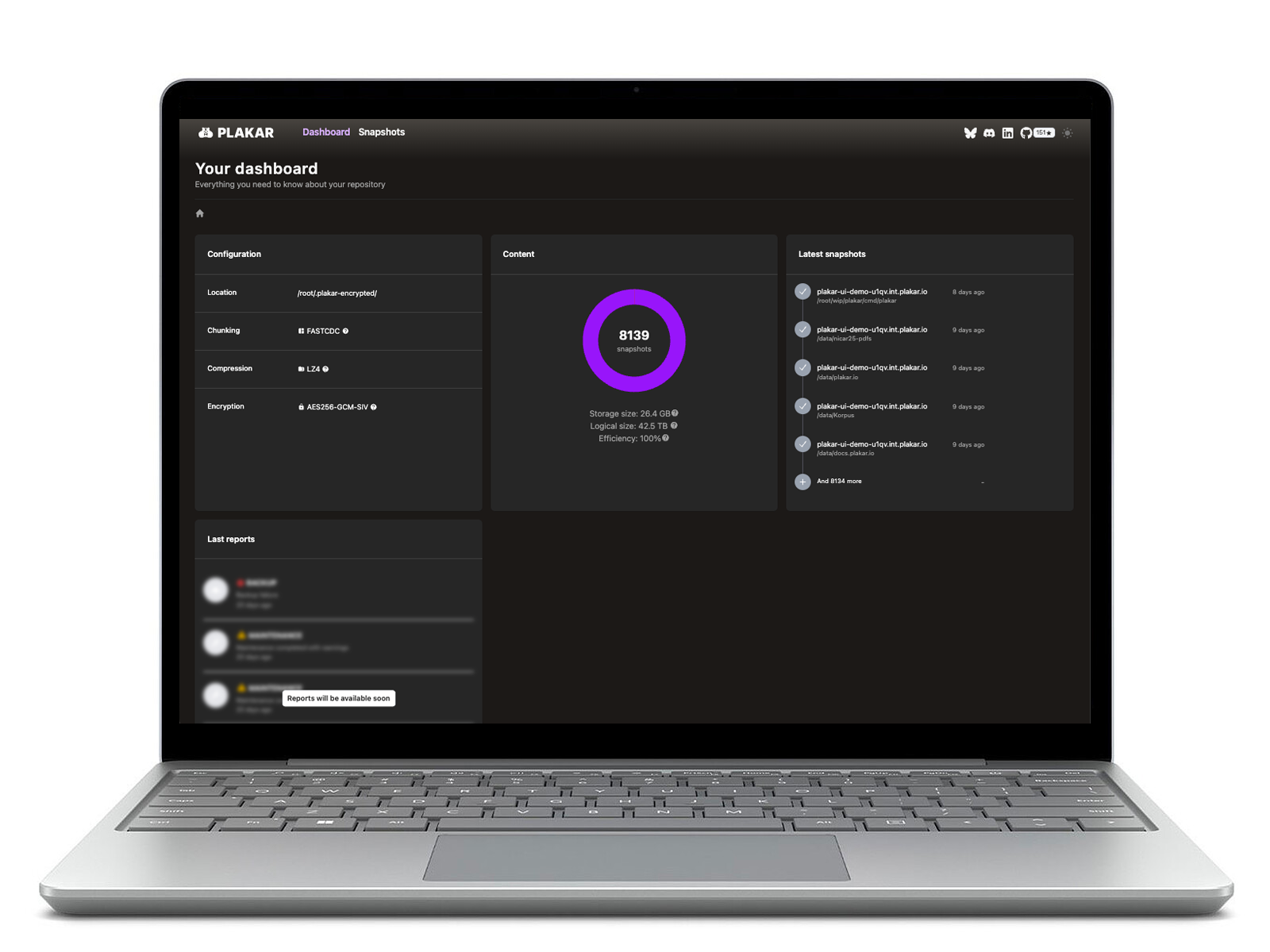
When recovery is needed, streams can be fed back into databases, tools, or terminals immediately, with full integrity verification. You can also inspect, browse, and search backups via the CLI or UI without performing a full restore first.
How Plakar handles your data streams
Plakar handles live data directly:
- Source Connector: Capture output from any command or script and save it as a named object in a snapshot in Kloset.
- Destination Connector: Stream your saved data back into any tool or display it directly in your terminal without writing a file to disk first.
Common Questions
1. What kind of data can I back up this way?
Anything that produces text or binary output, such as database dumps, system logs, or diagnostic scripts.
2. Do I need to name the stream?
Yes. Streams don’t have filenames, so you assign a name to identify and retrieve them later.
3. Can I pipe a backup directly into another program?
Yes. You can restore a specific object from a snapshot and feed it directly into a tool like a database importer for fast recovery.