
Using tar archives with Plakar
Tar has been a standard Unix archive format for decades, commonly used to bundle files for distribution, transfer, and simple backups. It is widely supported and highly portable.
Tar archives themselves do not provide backup semantics such as deduplication, version tracking, or built-in encryption. Managing backups as collections of independent tar files becomes difficult as data evolves over time.
Tar archives are imported into Plakar, which handles storage, deduplication, and verification.
Backing up tar archives as snapshots with Plakar
Imported tar archives are stored in Plakar as immutable snapshots and deduplicated to reduce storage usage.
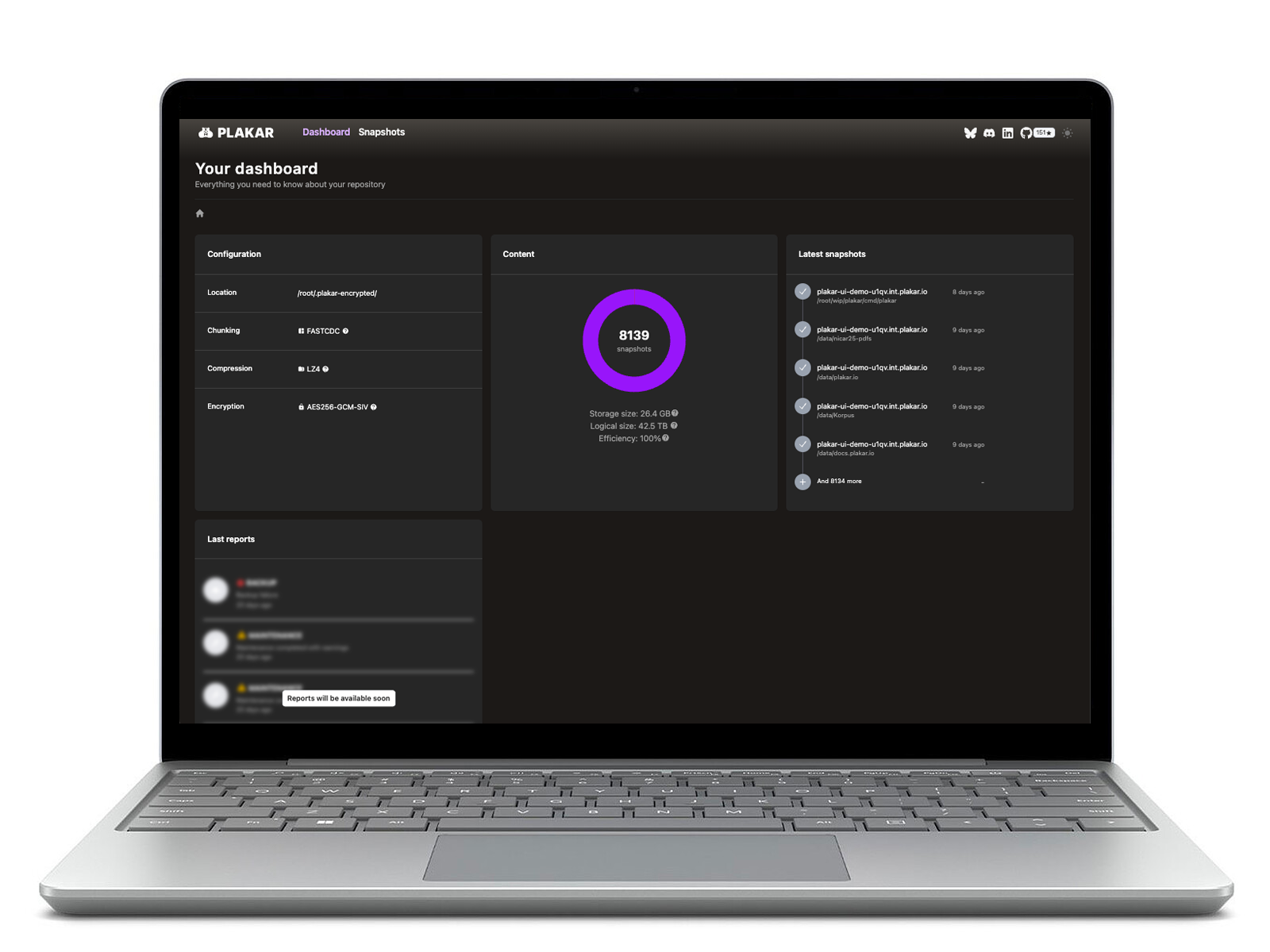
Snapshots can be browsed and inspected through the CLI or UI without extracting files. When needed, snapshots can be exported back to standard tar archives compatible with existing Unix tools.
Migration and Compatibility
Tar integration allows Plakar to fit into existing tar-based backup workflows. It enables you to:
- Import existing tar archives into a single, deduplicated Kloset store
- Maintain compatibility with systems and tools that require tar format
- Export snapshots as tar archives for distribution or compliance
- Use tar alongside Plakar during transitions between backup workflows
How Plakar works with tar archives
Plakar supports tar archives as an import format:
- Source Connector: Import data from tar archives into Plakar as snapshots with automatic deduplication.
Exporting snapshots as tar archives is supported by default in Plakar.