
Why protecting OneDrive matters
OneDrive’s seamless integration with Microsoft 365 makes it indispensable for modern work, but this same integration creates unique risks. When something goes wrong—whether accidental deletion, file corruption, or ransomware—the problem spreads instantly across every connected device and user. This leaves OneDrive environments vulnerable to:
- Synchronized Deletions: A file deleted on one device disappears from OneDrive and all other devices within seconds.
- Rapid Corruption Spread: Corrupted or maliciously encrypted files replace healthy versions across your entire organization.
- Credential-Based Attacks: A single compromised account can be used to delete or encrypt large portions of your shared files.
While OneDrive provides a recycle bin and version history, these features have time limits and may not protect against determined attackers or cascading failures. For regulated industries or business-critical data, these built-in protections are insufficient.
Security and compromise
OneDrive’s integration with Microsoft accounts, Active Directory, and third-party apps creates multiple potential entry points for attackers. When credentials are compromised:
- Attackers can delete entire folder structures in minutes
- Ransomware can encrypt files and sync those encrypted versions to the cloud before detection
- OAuth token theft can give persistent access even after password changes
Traditional version history won’t help if an attacker systematically deletes old versions or if the retention period has passed. Plakar creates snapshots that exist outside your OneDrive environment entirely, protected by separate encryption keys that you control. Even if your entire Microsoft 365 tenant is compromised, your backup history remains intact.
How Plakar secures your OneDrive workflows
Plakar connects to OneDrive through Microsoft’s secure APIs and provides multiple integration points:
- Source Connector: Capture snapshots of your OneDrive files and store them in an independent Kloset Store, completely separate from your Microsoft environment.
- Storage Connector: Leverage OneDrive’s storage capacity to hold encrypted Plakar backups from other systems, creating a multi-layered backup strategy.
- Destination Connector: Restore files or entire folder structures back to OneDrive when recovery is needed.
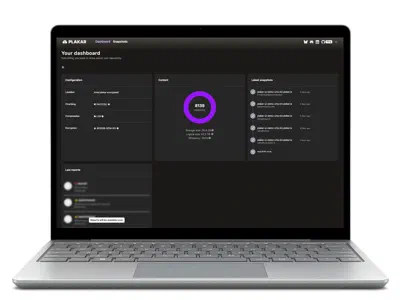
Plakar uses deduplication to minimize storage space and bandwidth usage while preserving full snapshot history. Plakar also allows for direct inspection of backups, letting you browse, search, and verify file content via the CLI or UI without needing to restore to OneDrive first.