HashiCorp Vault
#HashiCorp Vault can be added as a secret provider to Plakar Control Plane by selecting vault-sm as integration type when adding a new secret provider. You’ll then need to provide your vault access token, the vaults server url and any suitable name for it.
Vault’s path format
#Vault organizes secrets under secret engines. Think of a secret engine as a namespace which sits at the top of every path and tells Vault which backend to look in. When you reference a secret in Plakar Control Plane, you must include the secret engine name in the path.
The path format used by Plakar Control Plane is:
{secret_engine}/{path}#{field}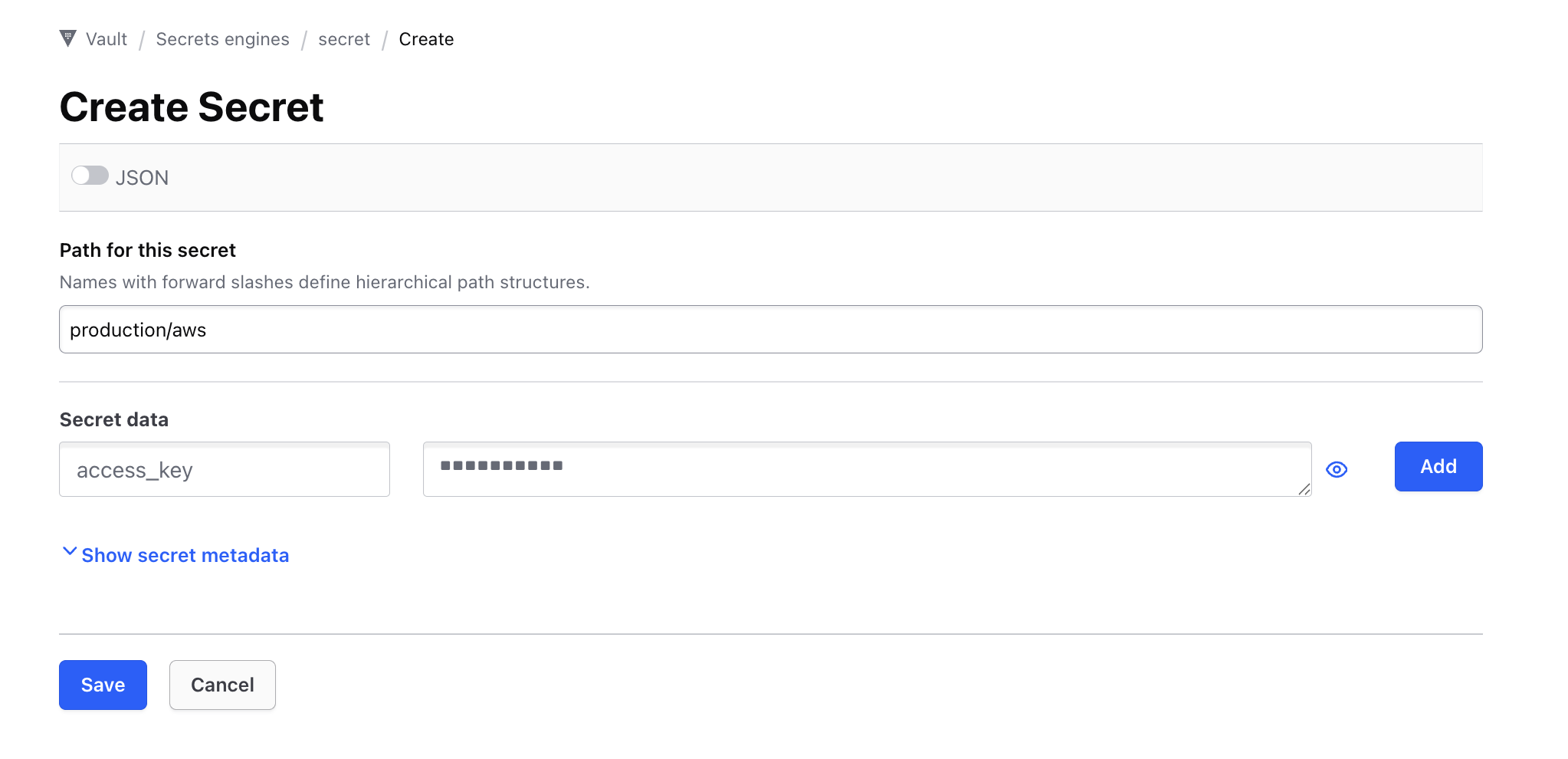
For example, if you have a secret at path production/aws inside the default secret engine, and you want the field access_key, you would enter:
secret/production/aws#access_key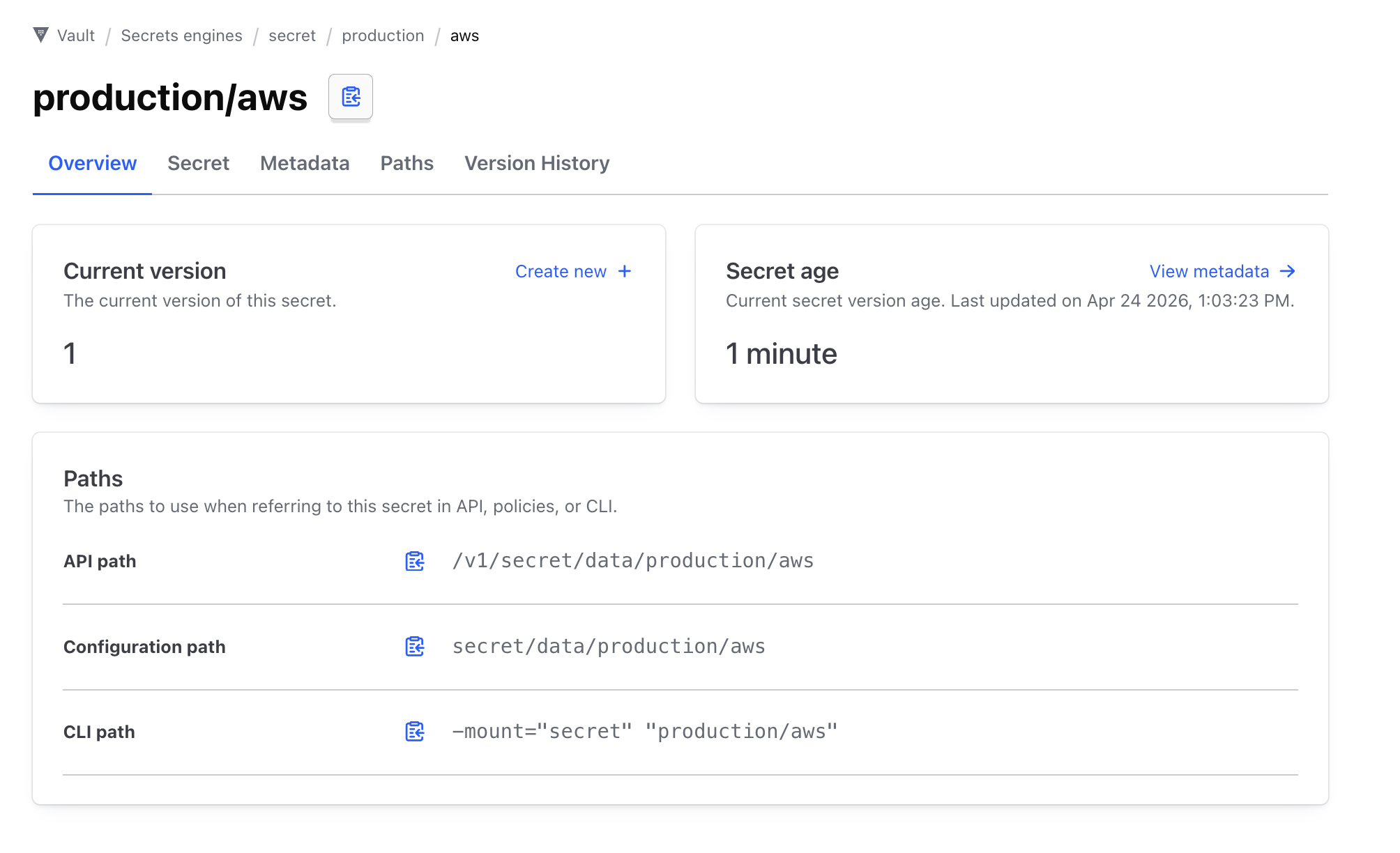
In our example above, we can remove the data section in the configuration path then append our field in the end, in our case thats #access_key
Using Vault secrets in Plakar Control Plane
#Once Vault is configured as a secret provider, you can use it in any form field that requires a credential. Switch the field from direct value to secret provider, select your Vault instance from the dropdown, and enter the path to the secret you want to use.
