Enrollment
#When you first access your Plakar Control Plane instance, you are taken through a one-time enrollment process. Enrollment registers your appliance with plakar.io to retrieve your license and set up billing reporting. No backup data is ever transferred, only the consumption metrics needed for billing.
1. Owner email
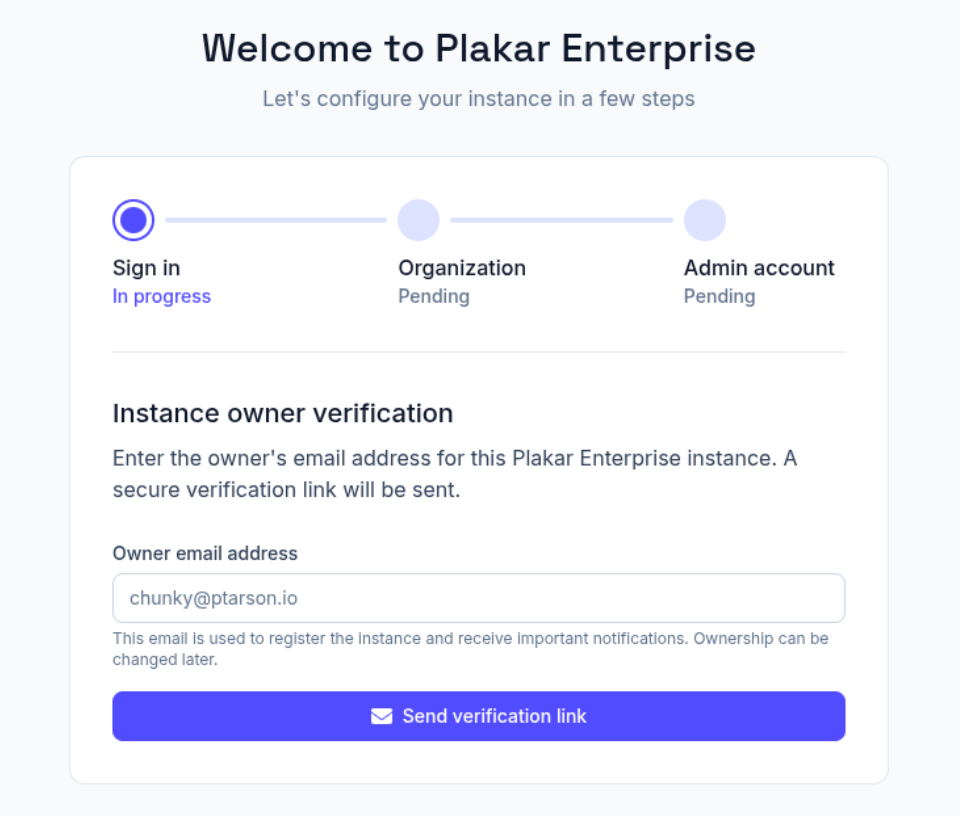
#The first thing you enter is an owner email address. This is the email plakar.io uses for billing, license reporting, and any account-level communication. A verification link is sent to this address, click it, then return to the setup page and continue.
Ownership can be transferred later if needed.
2. Organization
#Next you create an organization. This is the account that groups your backups, team members, and billing together. Use your company name or team name.
3. Admin account
#You then create an admin account for this specific instance. This is a local account on the appliance, separate from the owner email in step 1. You can use the same email address or a different one.
4. All set
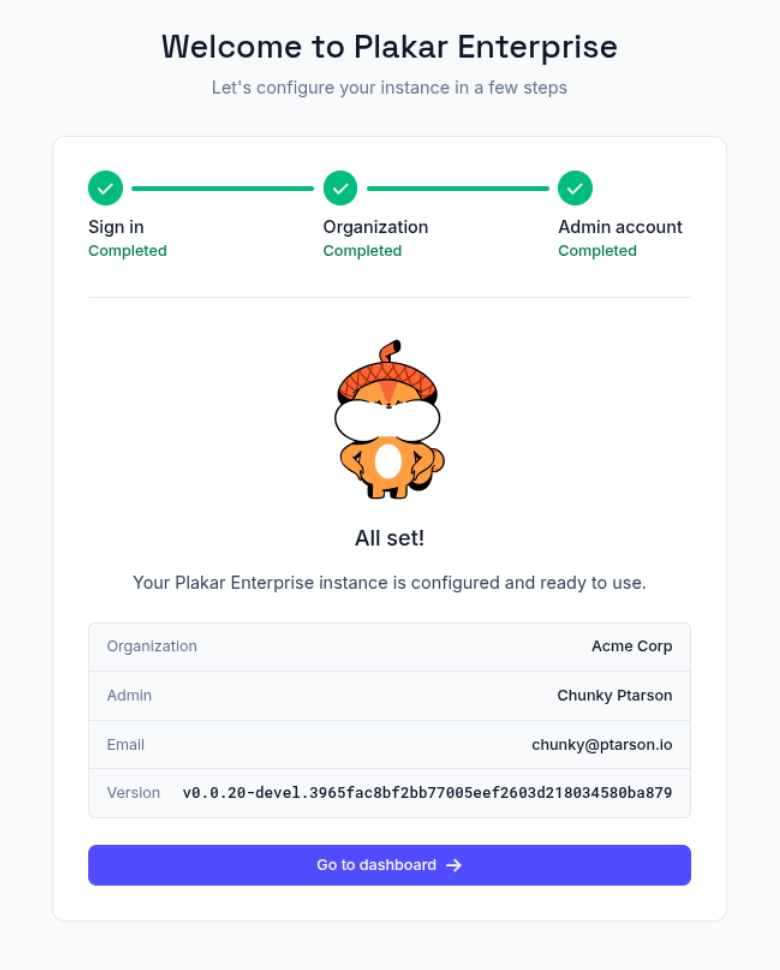
#Once the admin account is created, you are shown a confirmation screen with your organization name, admin details, and the current Plakar Control Plane version. From here you can go straight to the dashboard.
Offline mode
#If you operate in an air-gapped or PCI-DSS environment and cannot allow outbound connections to plakar.io, contact us to discuss offline mode options.