
Plakar Blog
Read about data protection and Plakar latest development update.
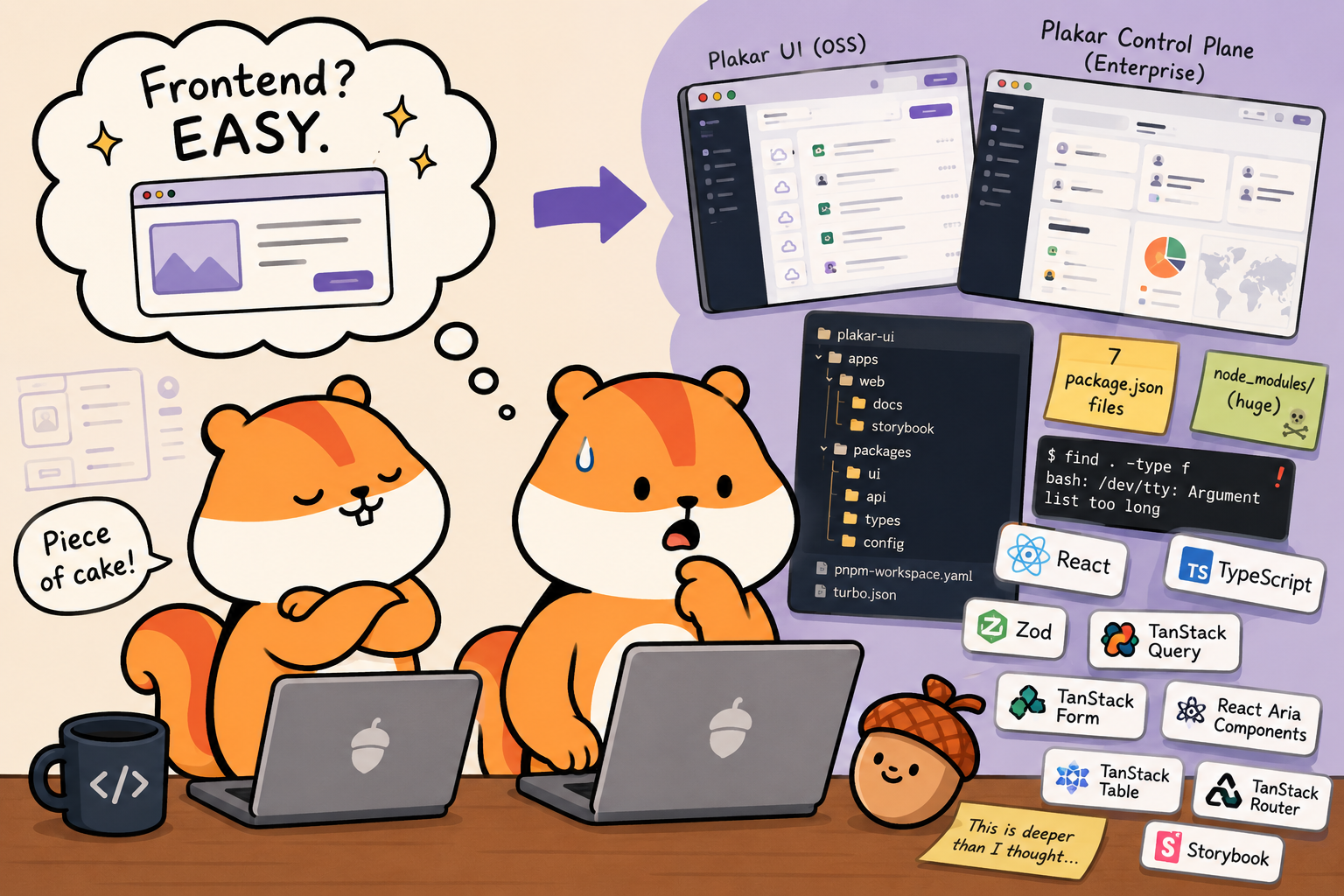
I used to think frontend was easy
I’m a backend developer who ended up building a frontend. This series explains the Plakar UI stack — what’s in it, why it’s structured the way it is, and why it’s not as scary as the node_modules folder suggests.
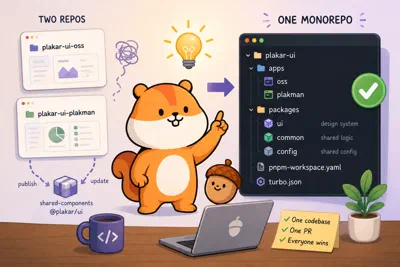
Plakar UI #1: pnpm and Turborepo
How and why we set up the Plakar UI as a monorepo using pnpm for strict dependency management and Turborepo for fast, cached task orchestration.
Read more
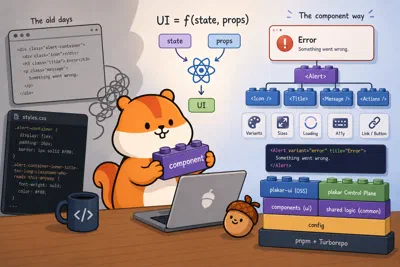
Plakar UI #2: React
Why React exists and what problems it actually solves — explained to backend developers who know Go and are curious about how modern frontend UIs are built.
Read more
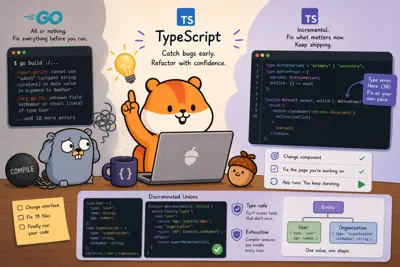
Plakar UI #3: TypeScript
Two TypeScript features that will surprise Go developers: incremental refactoring without blocking the compiler, and discriminated unions with automatic type narrowing.
Read more
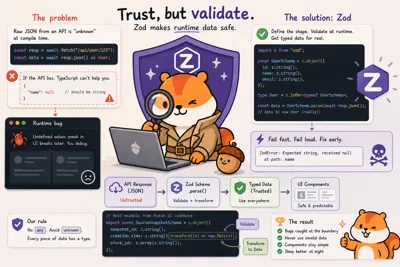
Plakar UI #4: Zod
TypeScript types only protect your own code — Zod validates data at runtime API boundaries, turning silent undefined bugs into immediate, descriptive parse errors.
Read more
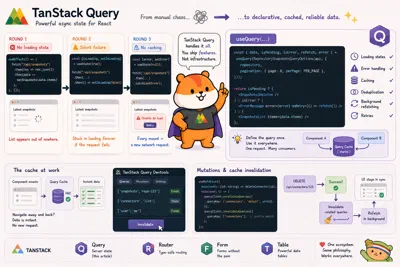
Plakar UI #5: TanStack Query
How TanStack Query handles all HTTP requests in Plakar UI — automatic caching, deduplication, background refetching, and cache invalidation after mutations.
Read more
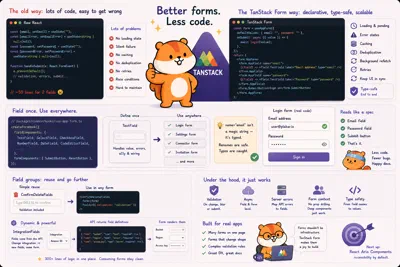
Plakar UI #6: TanStack Form
How TanStack Form and the AppField pattern turn forms from a copy-paste nightmare into composable, declarative building blocks with type-safe validation.
Read more
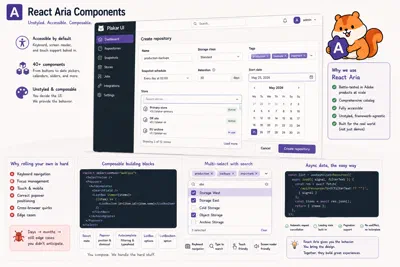
Plakar UI #7: React Aria Components
Why we use React Aria Components as the foundation for our UI library — and why the breadth and composability of its component catalog made it an easy choice.
Read more
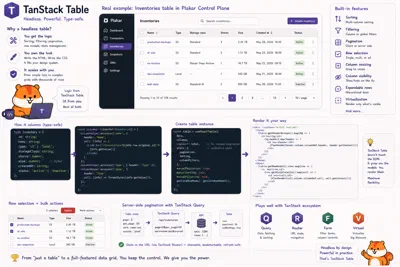
Plakar UI #8: TanStack Table
How TanStack Table gives us a headless, fully type-safe data grid — with sorting, filtering, and pagination — without dictating how anything looks.
Read more
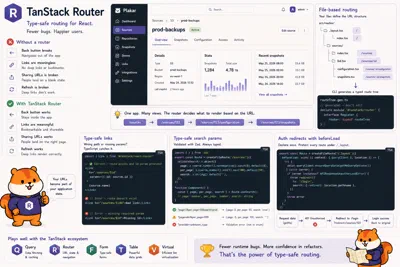
Plakar UI #9: TanStack Router
How TanStack Router brings compile-time safety to client-side routing — broken links, missing params, and wrong search params are all caught before the code ships.
Read more
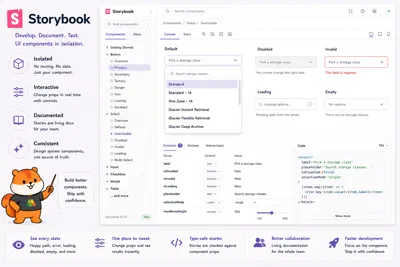
Plakar UI #10: Storybook
How we use Storybook to develop, document, and visually test our UI component library in isolation, independent of application logic.
Read more
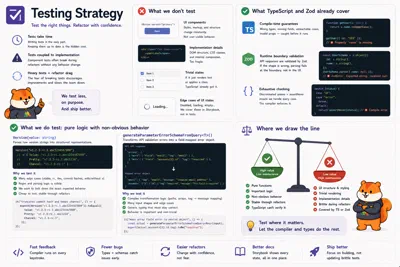
Plakar UI #11: Testing Strategy
Why we don’t test UI components, what TypeScript and Zod already cover, and where we do write tests.
Read more
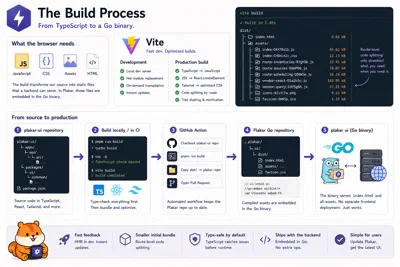
Plakar UI #12: The Build Process
How we bundle and ship the Plakar UI: Vite, code splitting, and how the compiled assets end up embedded in the Go binary.
Read more

Plakar UI: Conclusion
Wrapping up the series: the common thread running through every tool choice, and what comes next.
Read more