Source Connector
#When a new source connector is added, the connector details page provides a Dashboard tab with a Test Connection action.
It is recommended to first use the Test Connection action to verify that Plakar Control Plane can successfully connect to the source using the provided configuration and credentials.
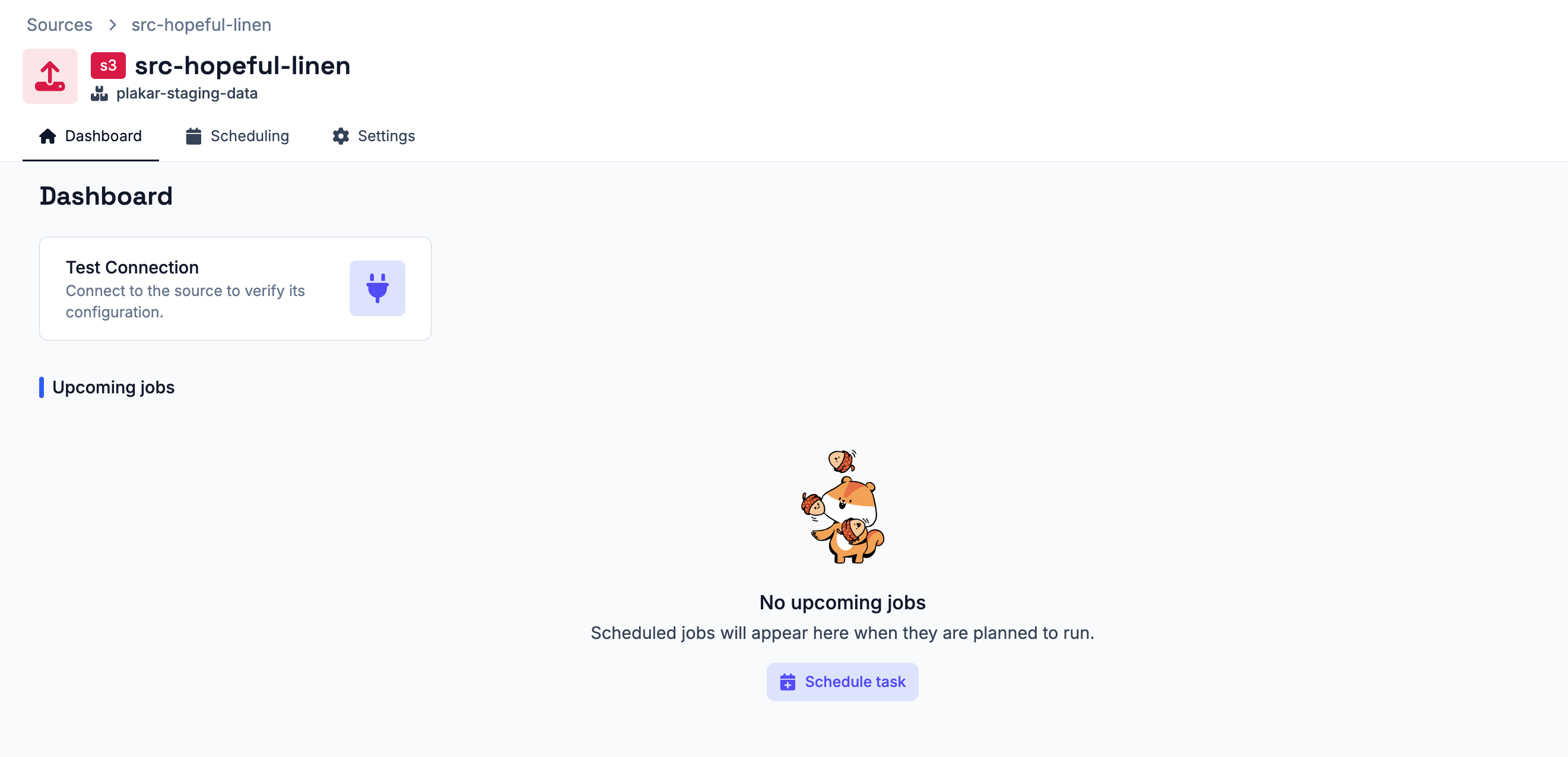
If the connection test fails, verify the provided configuration and credentials, then test the connection again. Once the connection test succeeds, additional actions become available from the dashboard:
- Create Backup - schedule backups for the source connector
Note
Operations in Plakar Control Plane can be executed either as one-off job or through scheduled tasks. Currently Plakar Control Plane only supports scheduled tasks.
Scheduling Tasks
#Backup, restore, sync, and integrity check operations can be configured as recurring scheduled tasks. See the scheduling documentation for details on creating and managing schedules.
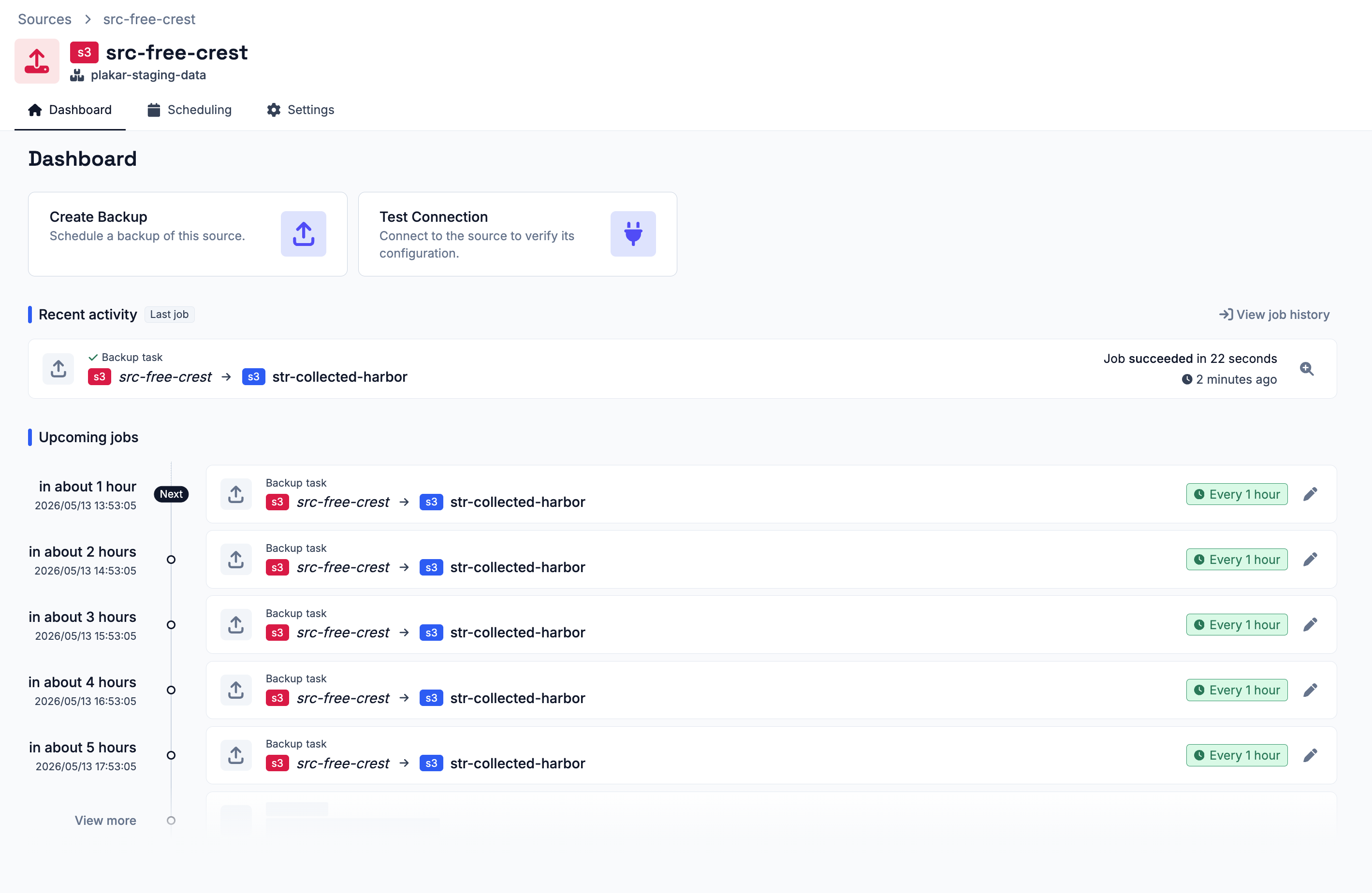
The Dashboard tab displays recent jobs that have run on the store, along with upcoming scheduled jobs.
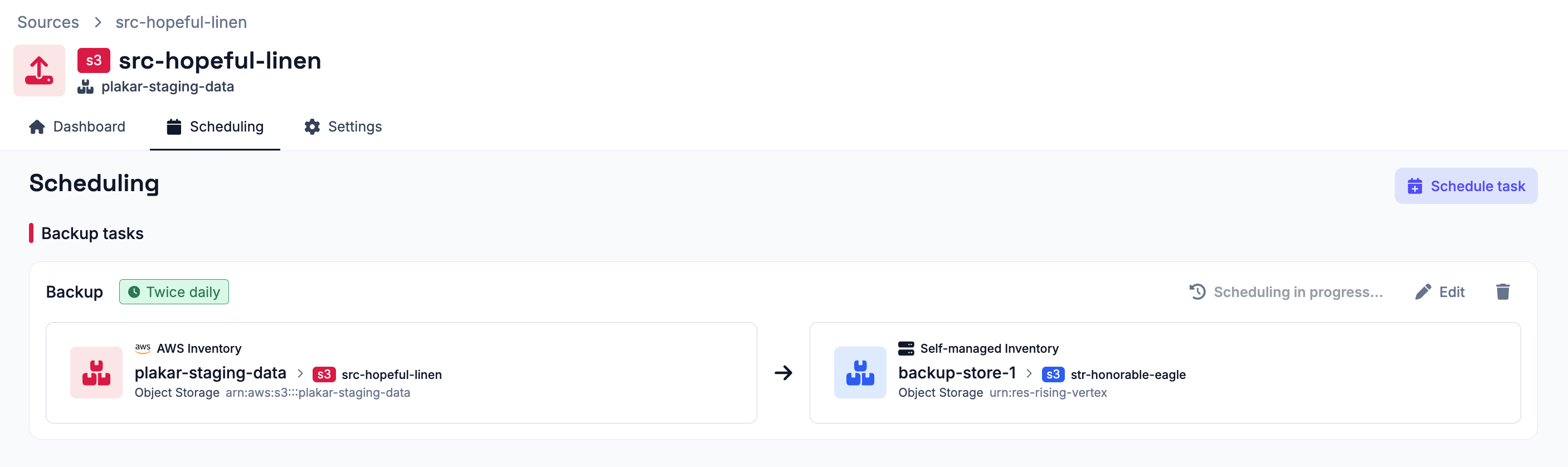
The Schedules tab displays all scheduled operations associated with the store connector.
Settings
#The Settings tab allows connector configuration to be updated and the connector to be deleted.