Managing Integrations
#Integrations extend Plakar Control Plane with support for external services, platforms, and storage systems. Before an integration can be used, it must be installed from the Integrations page.
Once installed, the integration becomes available when configuring compatible
apps. Plakar Control Plane automatically matches integrations to resources based
on their class and subclass. If multiple compatible integrations are
installed, you can choose which one an app should use during configuration.
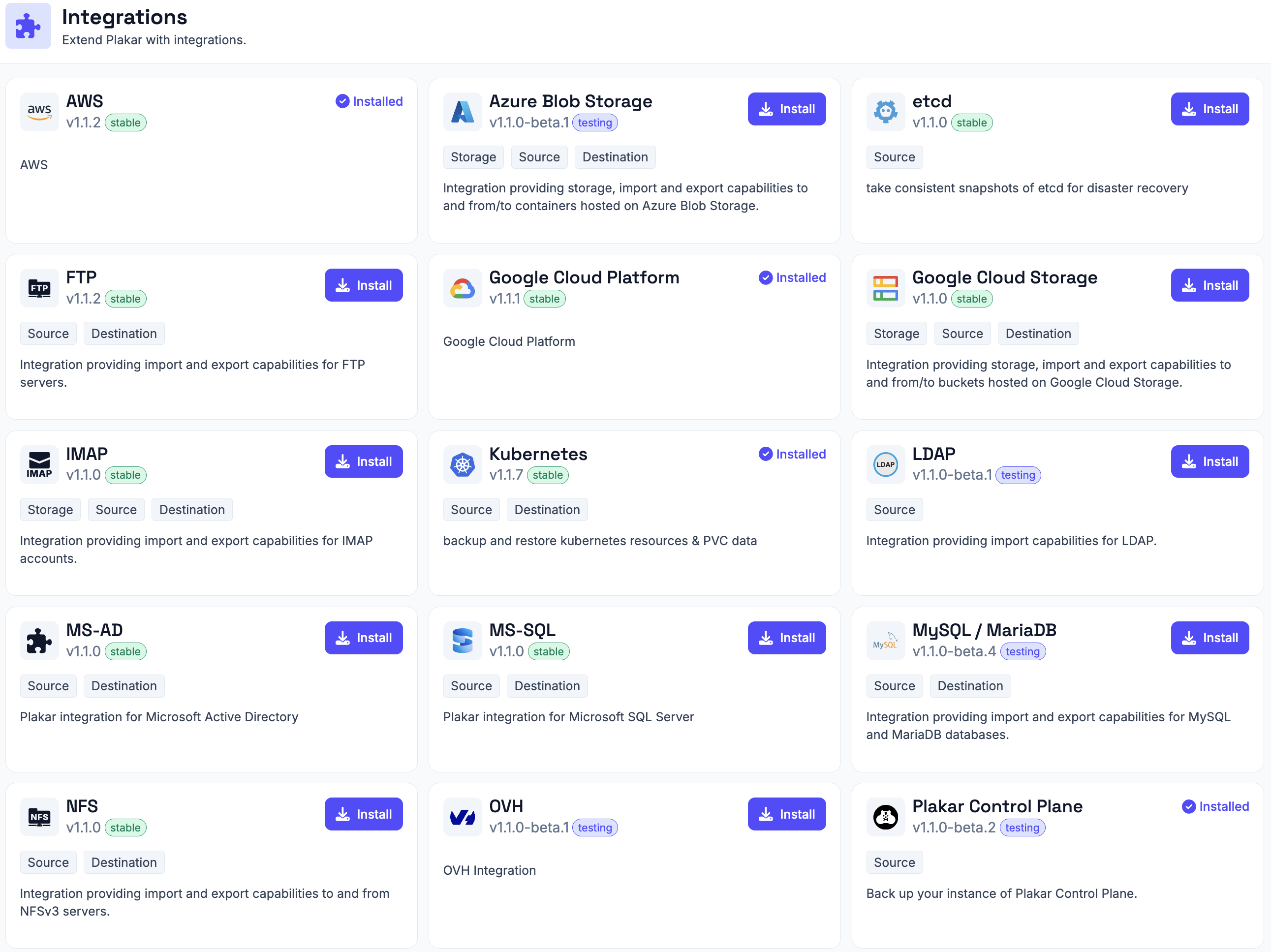
Installing an integration
#Navigate to Integrations, locate the integration you want to use, and click Install. Once the installation completes, the integration becomes available when configuring compatible apps. See Apps documentations for more information about how apps use integrations.
Updating an integration
#Installed integrations with a newer version available display an Upgrade button on their integration card. Click Upgrade to install the newer version.